The better way to enjoy your TV.
Bring the service you already have. MyTVGuide gives it a guide you'll actually enjoy: pause live TV, search everything that's on, and favourites for everyone at home.
MyTVGuide is not a streaming or content service. It's an app that helps you manage and enjoy a media or streaming provider you already have. We don't include, sell or provide any TV channels or content ourselves.

Built for the big screen.
Five things you'll notice on the first night. Pick one to see it.
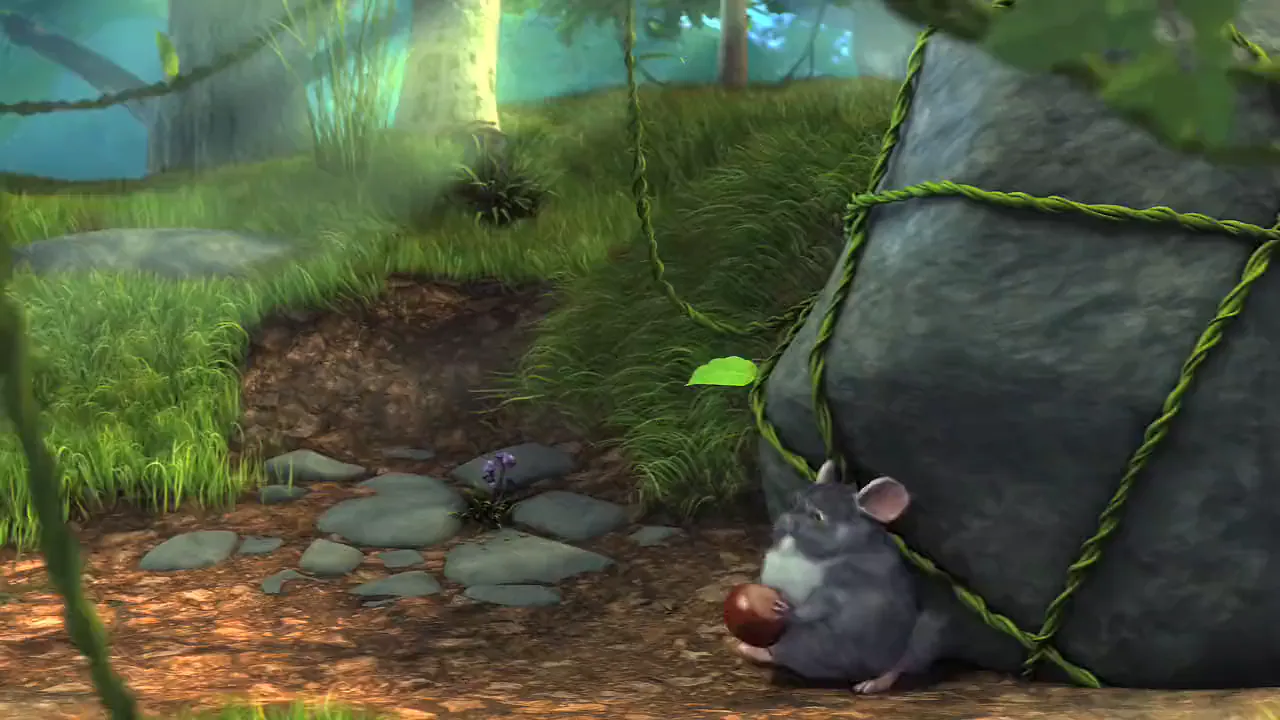
Answer the door. Live TV waits for you, then catches back up in one press.
Six themes, and your channels in the order you actually watch them.
Type a title. See where it's on now, and when it's on next.
Your provider's movies and series as big posters, easy to browse with the remote.
Lock Settings with a PIN. Handy for guests and holiday rentals.
A named list for each person, with their channels, movies and series.
New box? Sign in and restore your lists, channel order and settings.
Life doesn't pause. Your TV can.
Life doesn't happen between commercials. Answer the door, then pick up exactly where you left off. Keep scrolling to try it.
- PauseLive TV holds. The bar shows how far behind live you are.
- RewindGo back into what you missed.
- Catch back up to liveOne press and you're live again.
How far back you can rewind depends on your device's free storage.
Big Buck Bunny © 2008 Blender Foundation | www.bigbuckbunny.org
Pause live TV on your own TV tonight.
14 days free, then $24.99/year. Cancel any time.
Your guide.
Your way.
Pick the look that suits your room, then put your channels in the order you actually watch them.
- Six colour themesSaved in your backup
- Your own channel orderNumber, A to Z, bouquet, custom
- RenumberingMatch your order
- Guide lists by country or groupOnly what you watch
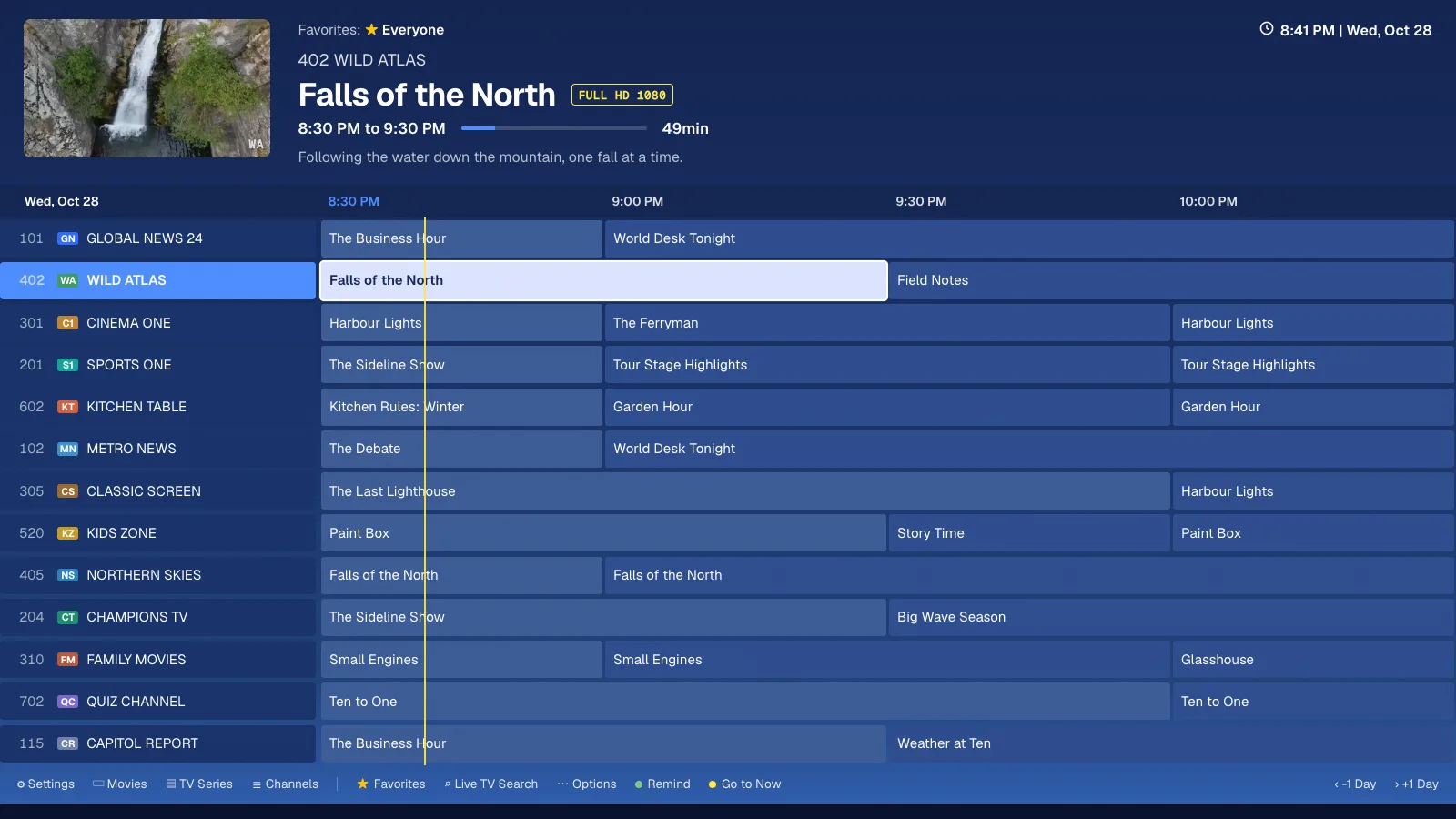
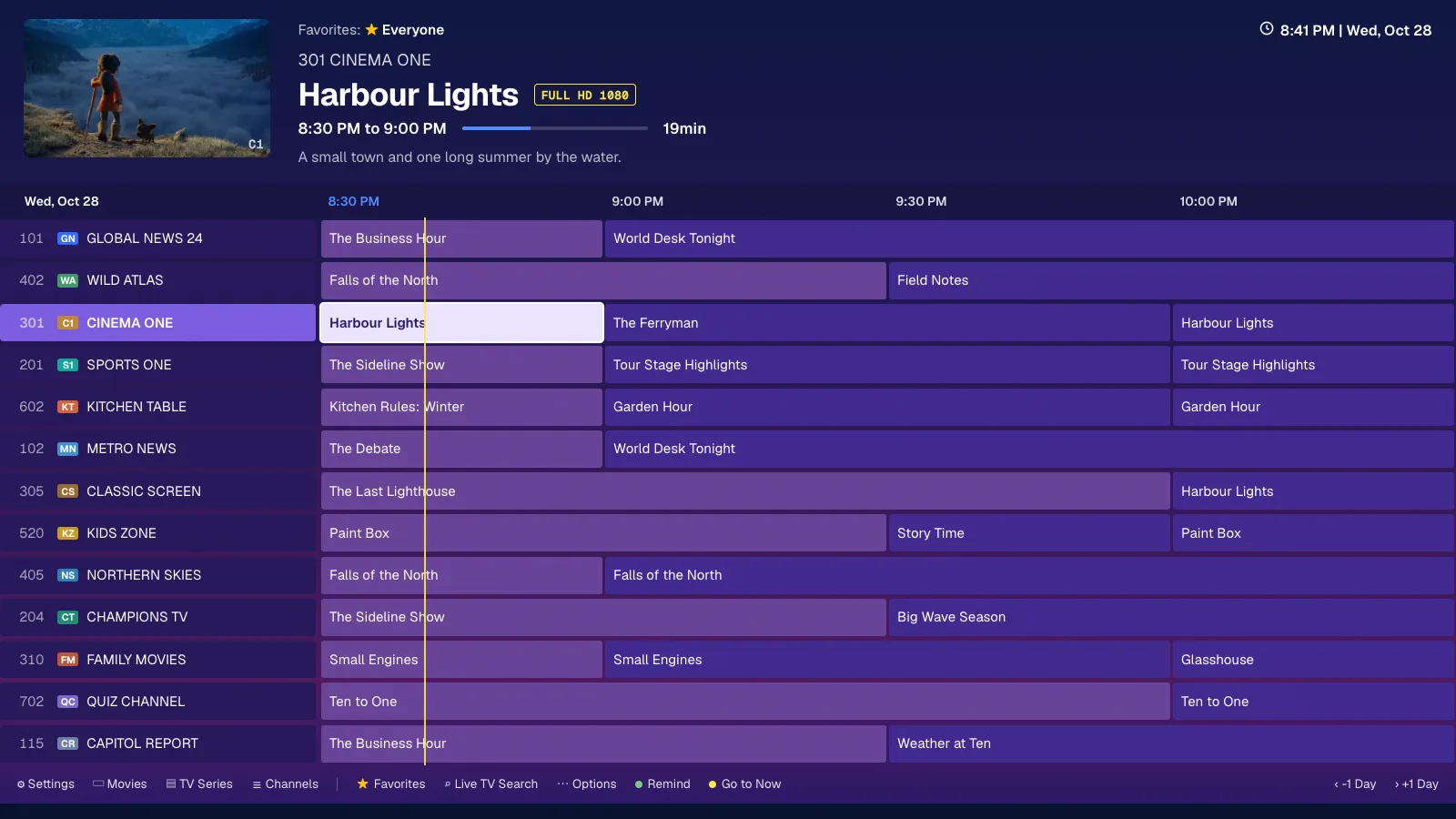
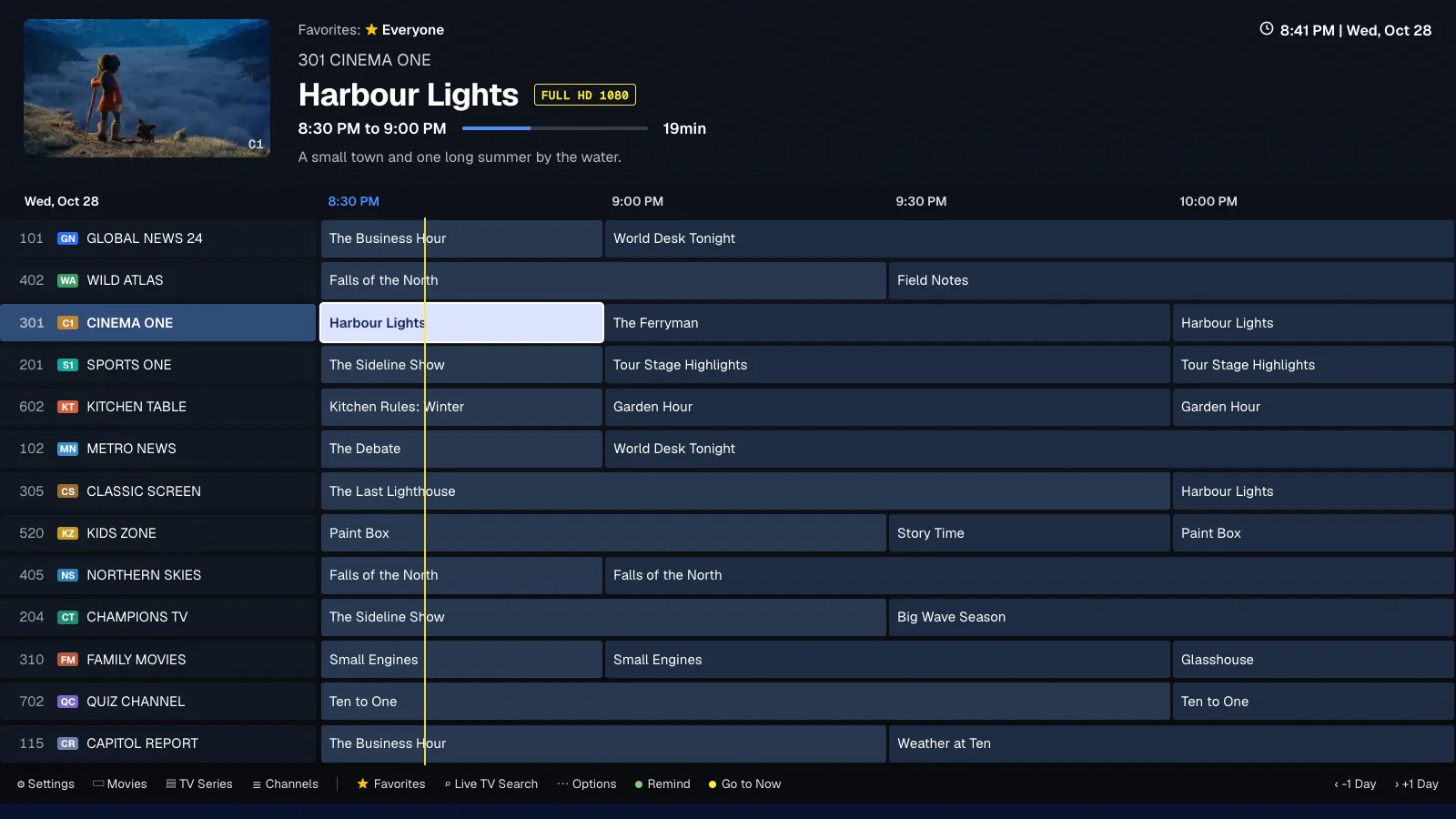
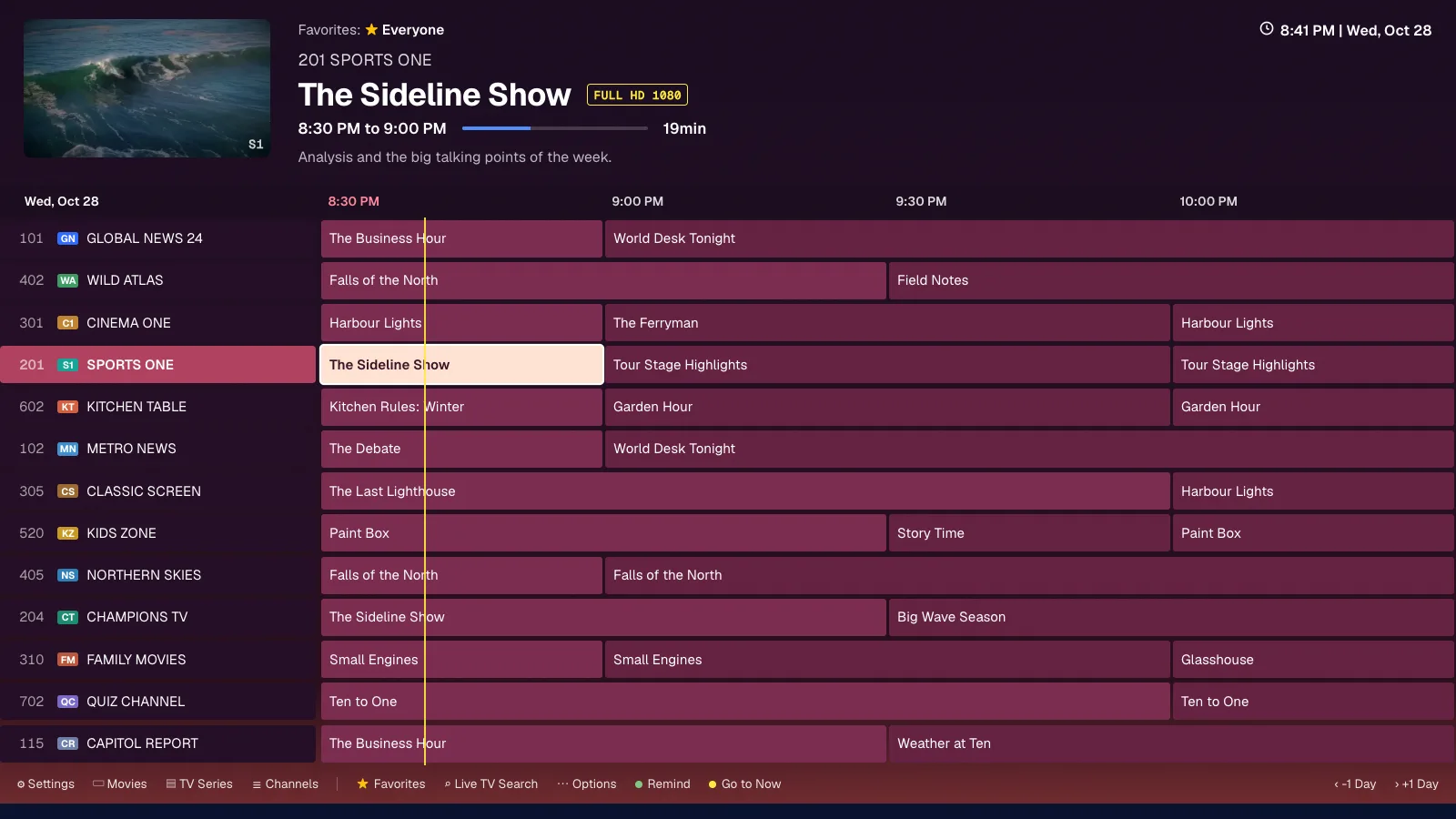
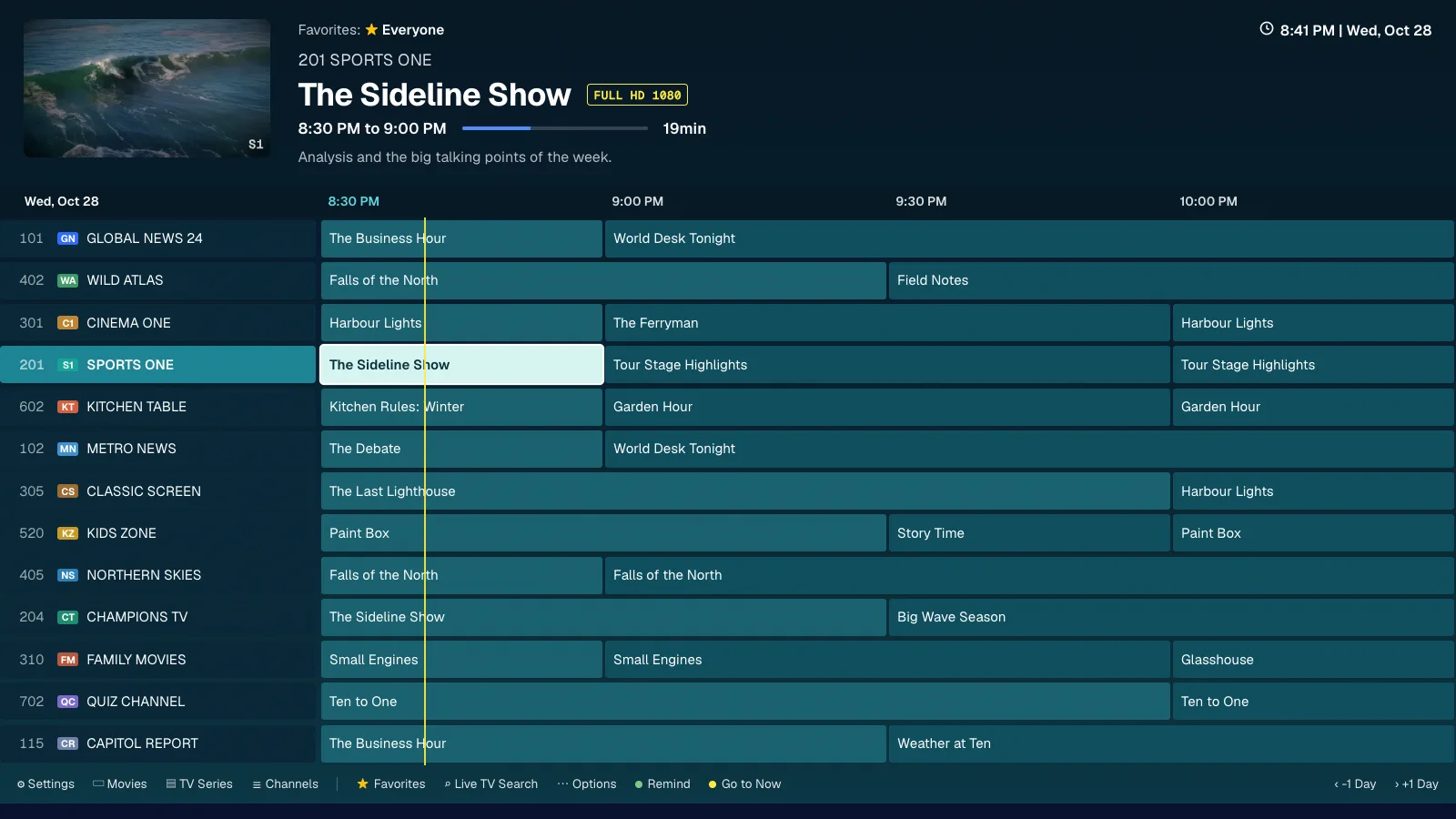
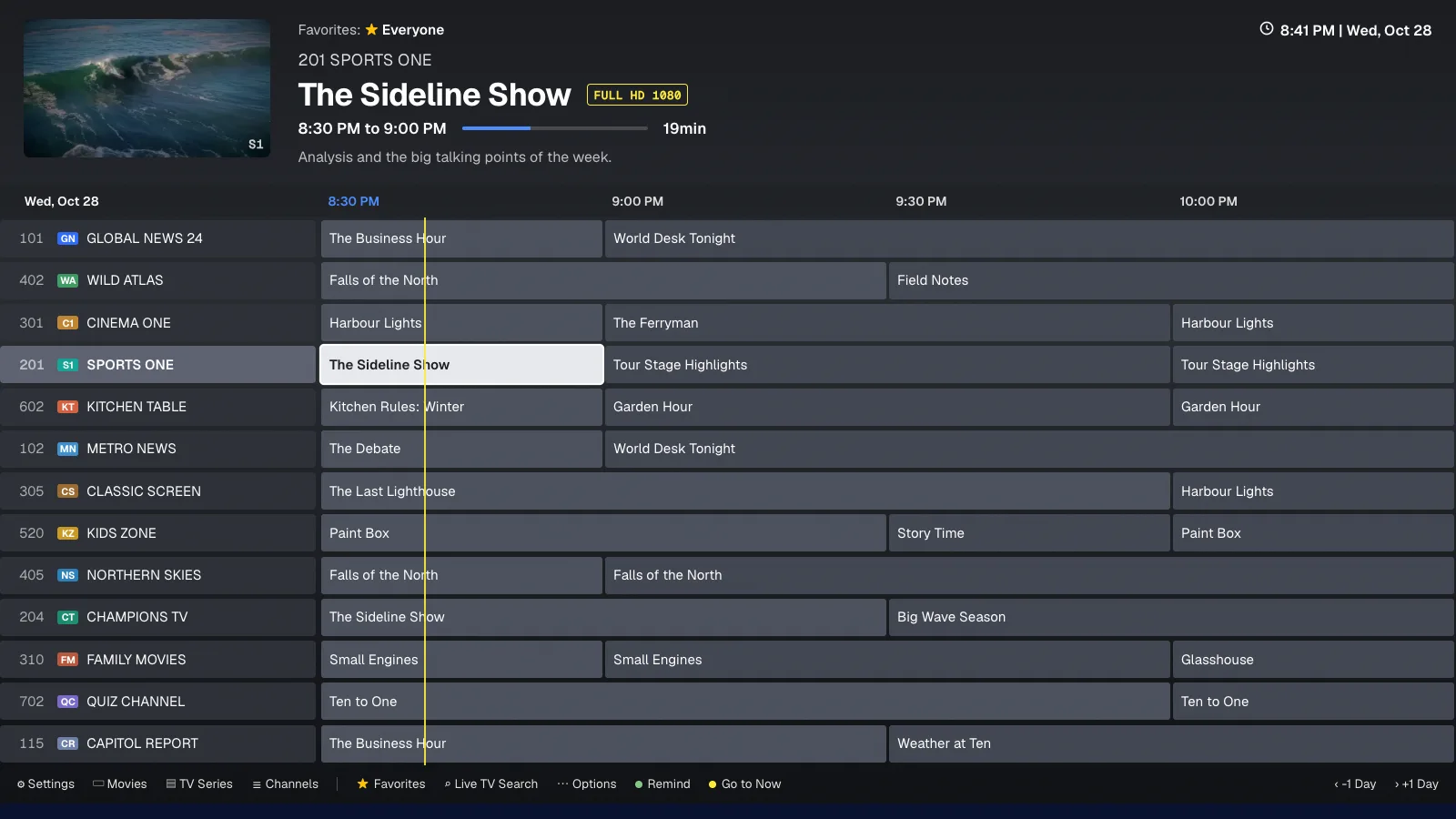
The six real guide themes, shown with demo channels.
Search everything that's on.
Live TV Search finds a programme across every channel, not just channel names. Type a title and see where it's on now, and when it's on next.
Find it, then watch it.
Try MyTVGuide free for 14 days with the provider you already have.
Favourites for everyone at home.
Make a list for each person, or each mood. Pick a name and the guide shows their channels. Every list holds channels, movies and series.
Your setup, safely backed up.
New box? Sign in and restore. Your lists, channel order and settings come back with you.
The details that make it home.
Small things, done properly. Pick one to see it on the TV.
 Hold BACK
Recording storage
 8:48 PM
Favorites and your new TV provider
Your provider may use different channel names and channel IDs. MyTVGuide will preserve matches where possible, but some Favorites may need to be added again. You can review them anytime in Channels → My Favorites.
Language
No passwords typed with a remote.
Open MyTVGuide on your TV and scan the QR code with your phone.
Pick Solo or Duo on your phone, or start the 14-day free trial.
The TV signs itself in. Add your provider's login once and you're watching.
Your download link is in your inbox.
Your welcome email has your personal download link and install steps. Can't find it? Open a support ticket from your account portal.
Share your link. Earn rewards.
Every subscriber gets a personal referral link in their account portal. Share it and earn rewards when friends sign up.
Runs on the box you probably own.
One year. Every feature.
Try it first.
Both plans include everything. The only difference is how many screens. Auto-renews yearly, cancel any time.
Your card isn't charged for 14 days. Cancel any time before then from your account portal and you won't pay a thing.
Solo
- 1 device
- Pause and rewind live TV
- All six guide themes
- Backup and restore
Duo
- 2 devices
- Pause and rewind live TV
- All six guide themes
- Backup and restore
Works on Android TV, Google TV and Fire TV. See all devices
Does MyTVGuide come with channels?
No. MyTVGuide is a player and a guide. It doesn't include, sell or provide any channels or content. You bring a provider you already have, through an Xtream Codes login or an M3U playlist.
Can I pause live TV on Fire TV?
Yes. Pause live TV, rewind into what you missed, then catch back up to live. How far back you can rewind depends on your device's free storage.
Does MyTVGuide work on Roku?
Not directly. Roku streaming sticks and Roku TVs (TCL, Hisense, Sharp and others) run Roku's own system, which cannot install Android apps. Plug a Fire TV Stick or Google TV Streamer into a spare HDMI port instead. It takes a few minutes, and your Roku TV simply becomes the screen.
Does MyTVGuide work on Samsung or LG smart TVs?
Not directly. Samsung (Tizen) and LG (webOS) use their own systems. The same fix applies: a Fire TV Stick or Google TV Streamer in any HDMI port gives you the full MyTVGuide experience.
Is there a version for Apple TV, iPhone or iPad?
Not today. MyTVGuide is built for Android-based TV devices.
I'm getting a new box. Do I have to set it all up again?
No. Your favourites lists, channel order and settings are backed up to your account. Sign in on the new box and restore them.
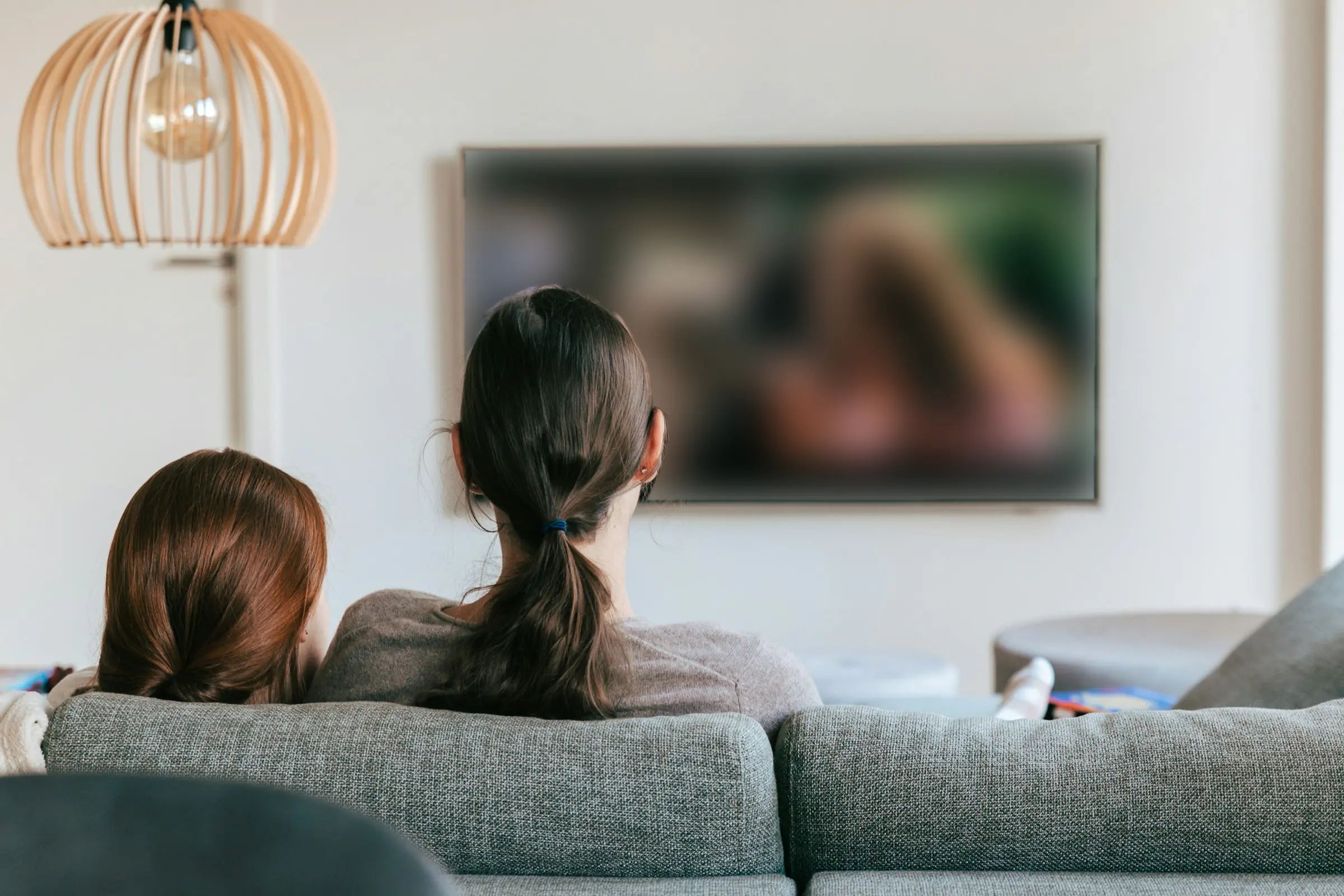
This is how television should feel.
Start with 14 days free on Android TV, Google TV or Fire TV. Cancel any time.